How to add Bridgeless blockchain?
1. Step
The main blockchain of $CLONE is Bridgeless L1, an EVM-compatible blockchain.
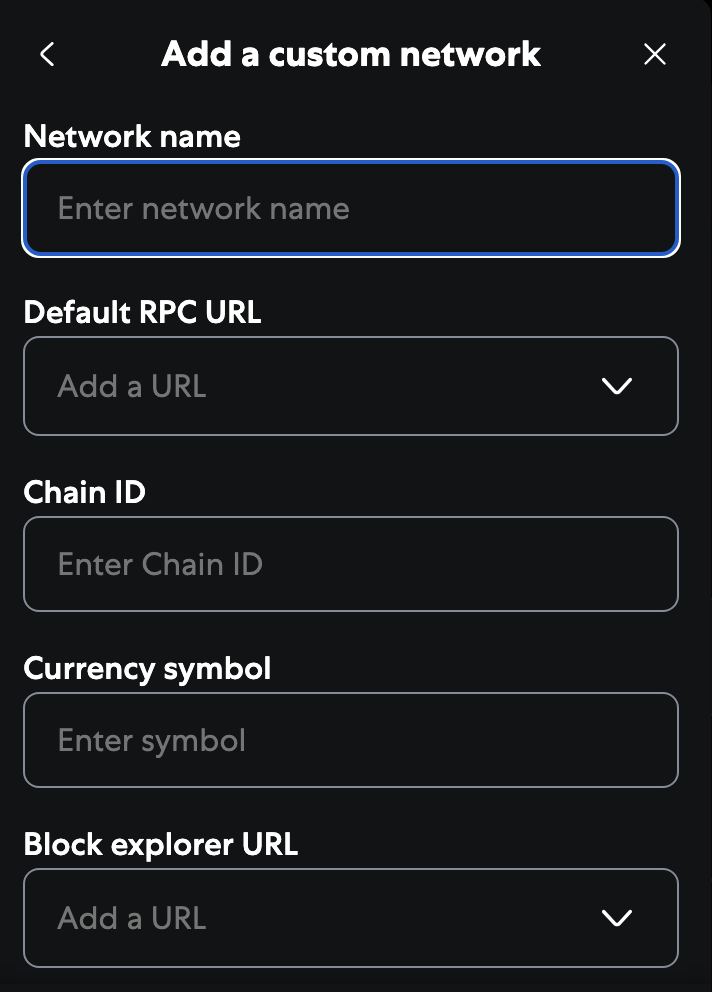
Navigate to the "Add a custom network" button in your EVM wallet (the exact name may vary).
After clicking it, you should see a window like the one below.
2. Step
Enter the following information.
Network name: Bridgeless
Default RPC URL: https://eth-rpc.node0.mainnet.bridgeless.com/
Chain ID: 13441
Currency symbol: BRIDGE
Block explorer URL: https://explorer.mainnet.bridgeless.com/
tip
Congratulations!
You have successfully added the Bridgeless blockchain to your EVM wallet.